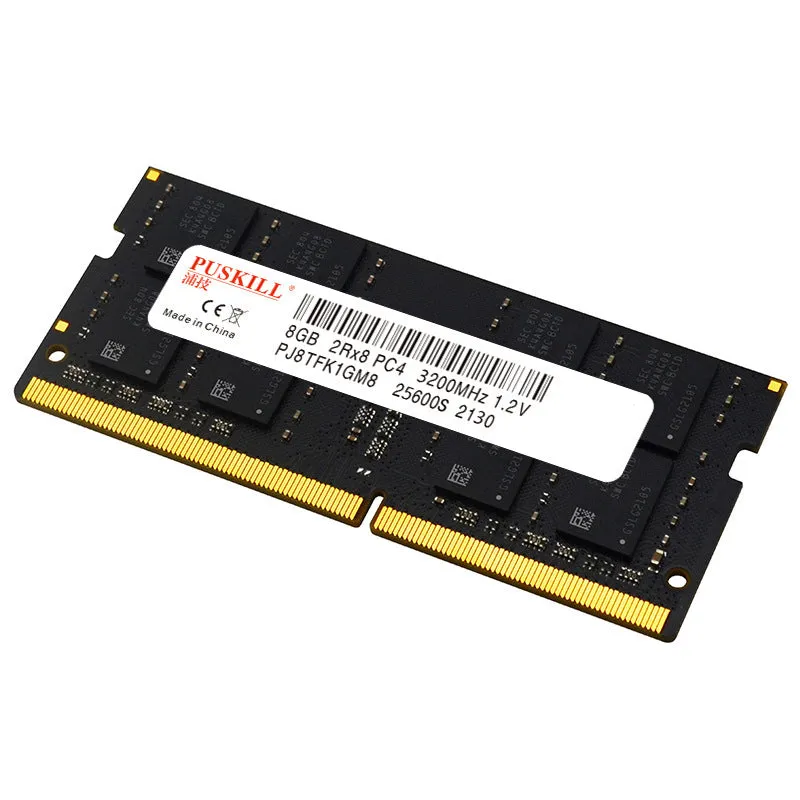
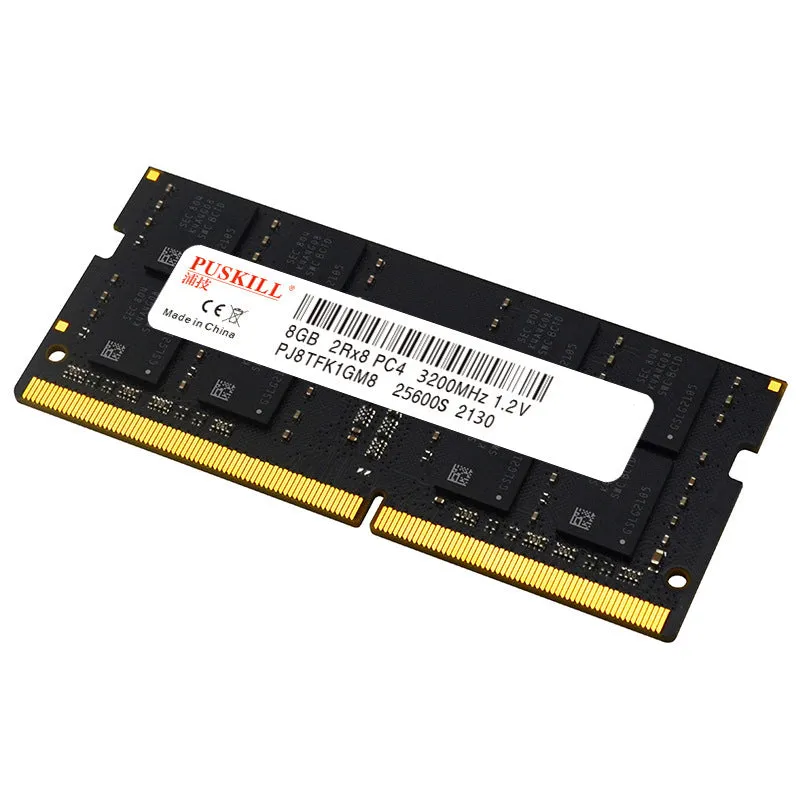
DDR4 notebook memory upgrade module for laptop RAM expansion, available in 4GB 8GB 16GB or 32GB capacities with speeds of 2400MHz 2666MHz or 3200MHz on a 260-pin single memory bar with dimensions of 69 x 30 x 37mm.


DDR4 notebook memory upgrade module for laptop RAM expansion, available in 4GB 8GB 16GB or 32GB capacities with speeds of 2400MHz 2666MHz or 3200MHz on a 260-pin single memory bar with dimensions of 69 x 30 x 37mm.
Upgrade Your Laptop's Performance with a DDR4 SODIMM Memory Module
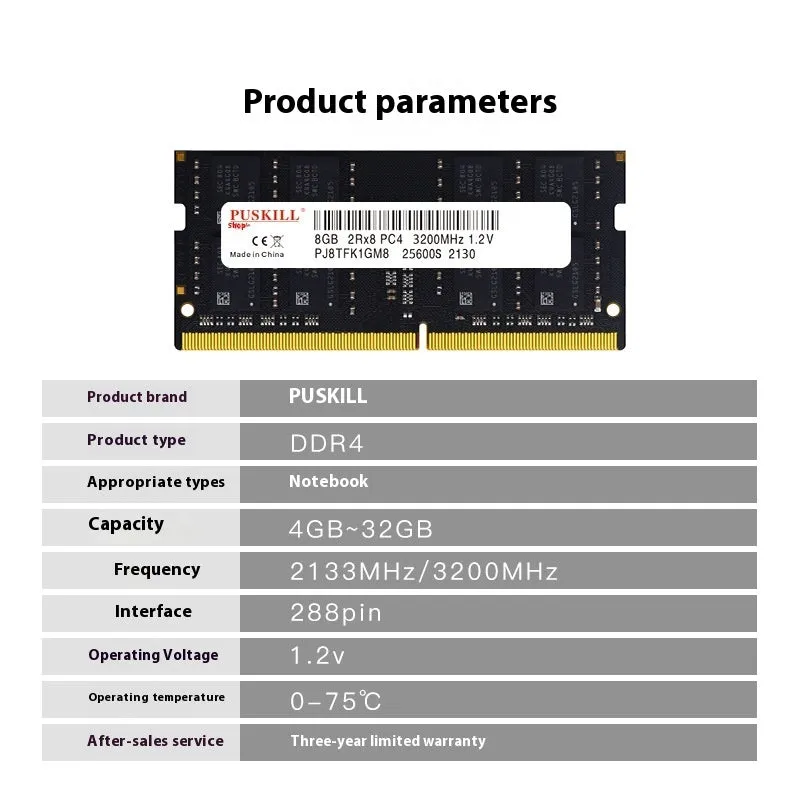
When your notebook starts to feel sluggish with modern applications or struggles with multiple open tabs, a RAM upgrade is often the most effective next step. This DDR4 memory module is designed specifically for laptops, providing a hardware-based solution to increase your system's available memory. By adding more RAM, you can improve the responsiveness of your computer, reduce reliance on slower virtual memory on your hard drive or SSD, and enhance your ability to multitask efficiently. Available in a range of capacities and speeds, this single memory bar offers a straightforward path to revitalising an older laptop or boosting the performance of a newer model that came with a minimal memory configuration.
Features and Construction
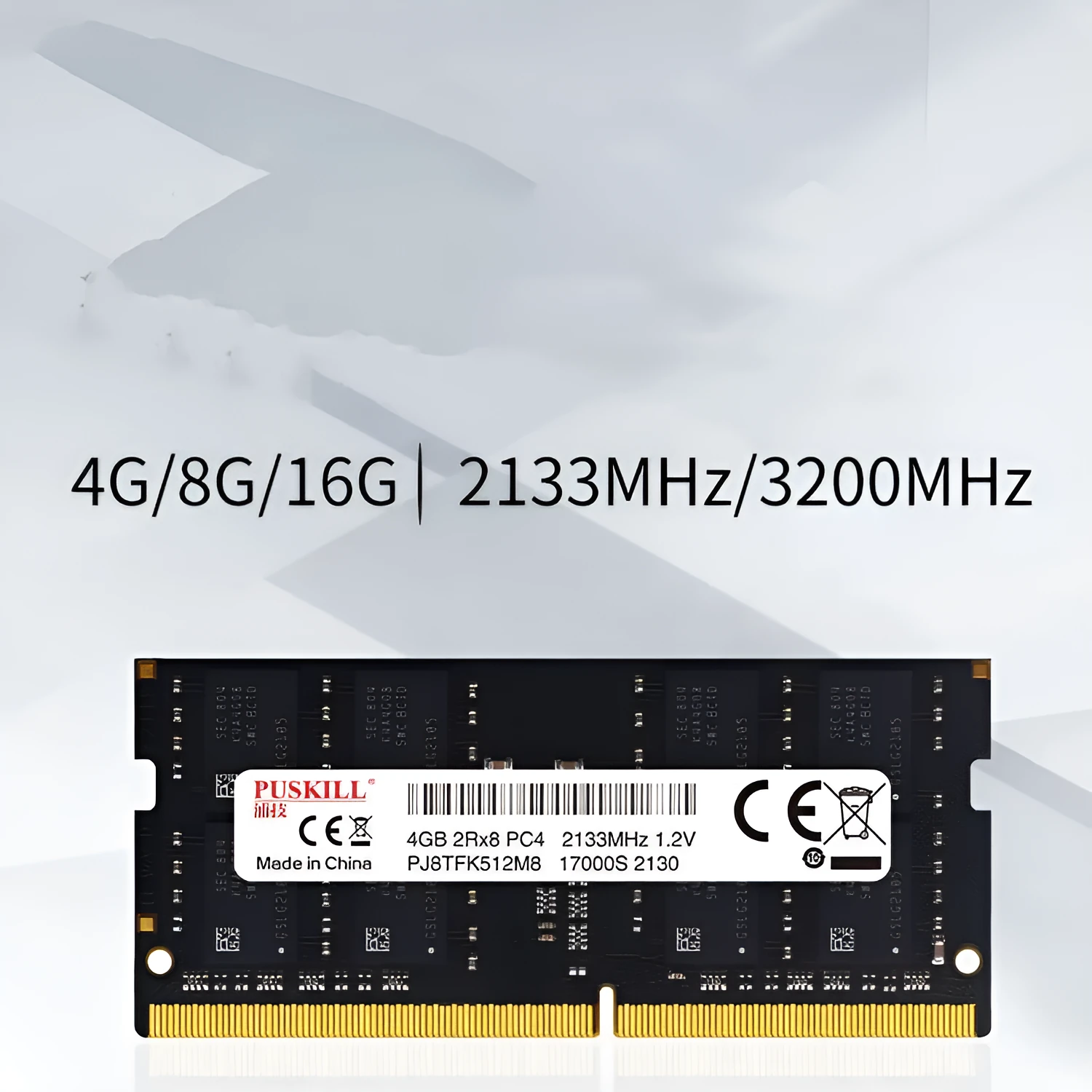
This memory upgrade centres on its physical and electrical specifications, which determine compatibility and performance potential. The key details provided are its capacity options, operating frequency, physical interface, and size, all of which are critical for a successful installation.
Material and Build
The module is built on a standard printed circuit board (PCB) that hosts the integrated memory chips. The most critical component for connection is the 260-pin edge connector, typically featuring gold-plated contacts to ensure a reliable electrical connection with the laptop's memory slot. This 260-pin design is the defining characteristic of a DDR4 Small Outline Dual In-line Memory Module (SODIMM), the form factor used almost exclusively in laptops, notebooks, and some compact desktops due to its reduced size compared to desktop DIMMs.
Size and Practical Fit
With precise dimensions of 69mm in length, 30mm in width, and 37mm in height, this module conforms to the standard SODIMM form factor. These compact measurements are essential for it to fit into the dedicated memory bays within a laptop's chassis. Before purchasing, it is advisable to check your laptop's service manual or use online tools to verify there is physical space for the upgrade, especially if considering higher-capacity modules, and to confirm the number of available slots.
Uses and Placement
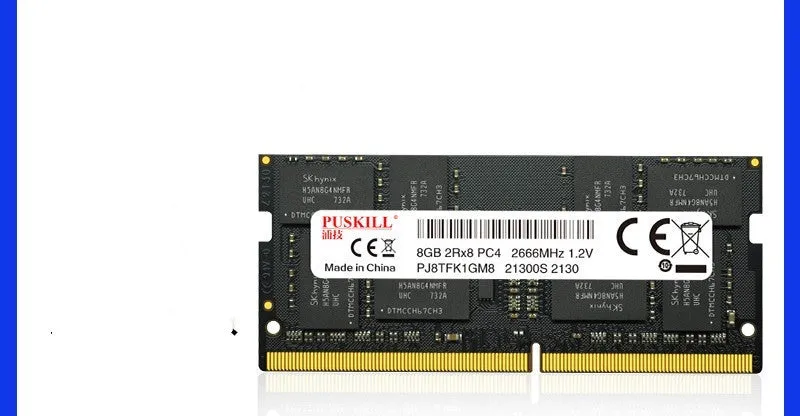
This product serves a single, clear purpose: to increase the amount of Random Access Memory (RAM) in a compatible laptop. The practical applications stem directly from this increased capacity, affecting both general use and more demanding tasks.
Event or Professional Use
For professionals or students, extra RAM can make a noticeable difference when running resource-intensive software. This includes applications like video editing suites, CAD programs, statistical analysis tools, or virtual machines. More memory allows these applications to store more active data, leading to smoother previews, faster rendering, and the ability to work with larger files or datasets without the system slowing to a crawl. Upgrading from a base 4GB or 8GB configuration to 16GB or 32GB can effectively extend the useful life of a capable laptop for these specialised tasks.
Everyday Home Use
For everyday computing, a RAM upgrade can transform the user experience. Modern web browsers, with numerous extensions and multiple tabs, are significant memory consumers. Similarly, office suites, photo management software, and communication apps running in the background all benefit from more available RAM. Adding this module can reduce browser tab reloading, minimise application lag, and decrease the frequency of the 'spinning wheel' or hourglass cursor, making general navigation and switching between programs feel more fluid and responsive.
Benefits and Buying Value
The value of a memory upgrade lies in its cost-effectiveness compared to buying a new laptop and its focus on addressing a specific performance limitation. Unlike a processor or storage upgrade, RAM installation is often one of the simpler hardware modifications a user can perform on a laptop.
Reuse and Low Maintenance
Once installed, a memory module requires no ongoing maintenance, drivers, or software configuration. It is a 'fit and forget' component that works passively as part of the system. Furthermore, if you eventually move to a new laptop, a standard DDR4 SODIMM module like this one may potentially be reusable if the new system has compatible specifications and an available slot, provided it is carefully removed.
Why Choose This Product
This module offers clarity in its specifications: multiple capacity and speed combinations (4GB/8GB/16GB/32GB at 2400/2666/3200MHz) allow you to select an option that matches both your performance goals and your laptop's chipset capabilities. It is supplied as a single bar, which is ideal for systems with one free slot or for replacing an existing module in a single-channel configuration. The stated dimensions confirm it is a standard SODIMM, and the 260-pin interface confirms DDR4 compatibility, giving you concrete data to verify against your laptop's requirements before purchasing.