USB C Docking Station Bracket Type-C Hub with HDMI USB 3.0 USB 2.0 Ports ABS and Aluminium Alloy External Power Supply Compatible with Apple Huawei MacBook Laptop Multi-function Expansion Black


USB C Docking Station Bracket Type-C Hub with HDMI USB 3.0 USB 2.0 Ports ABS and Aluminium Alloy External Power Supply Compatible with Apple Huawei MacBook Laptop Multi-function Expansion Black
Bracket Type-C Docking Station with HDMI, USB 3.0 and USB 2.0 Ports in Black
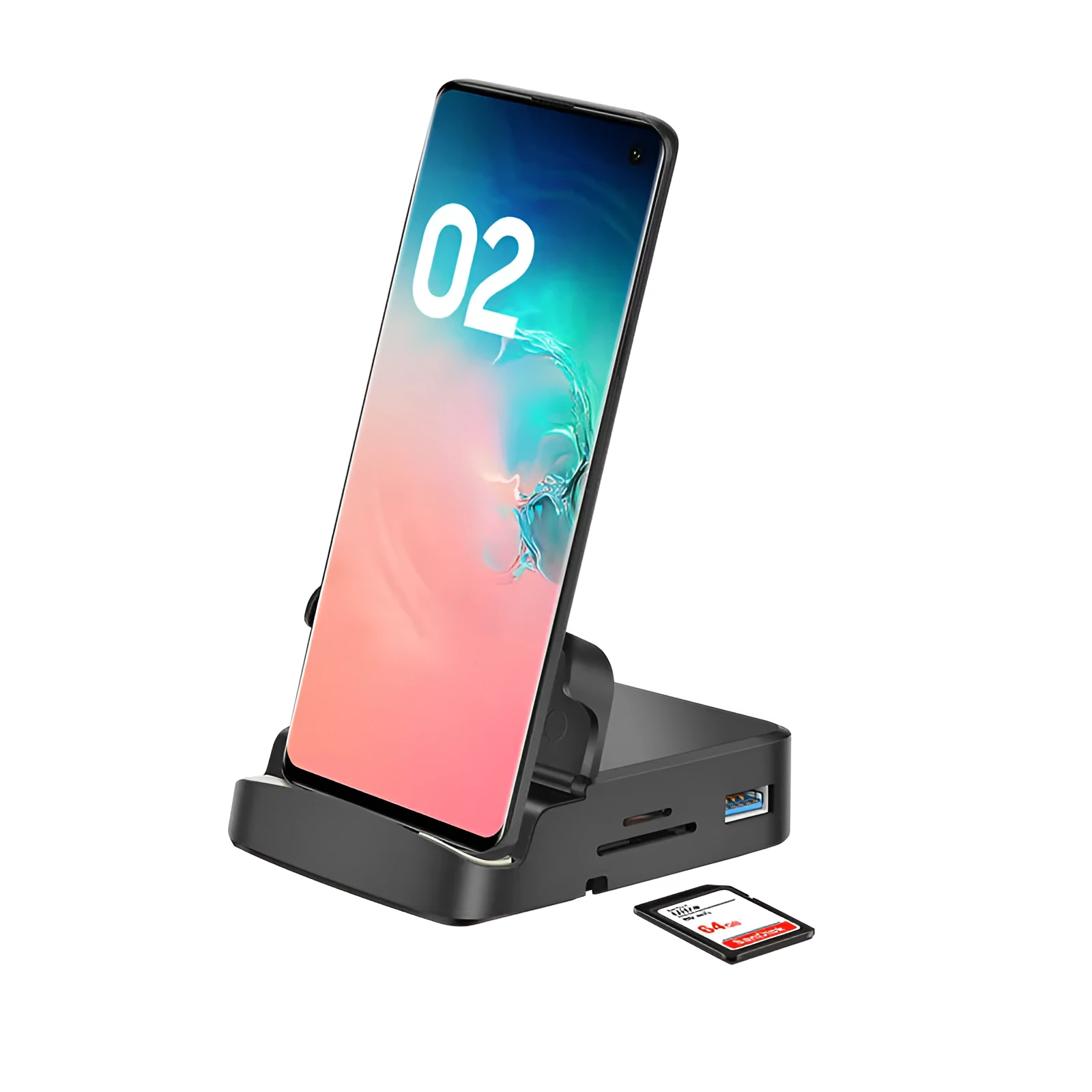
This bracket Type-C docking station is a multi-function expansion unit for compatible laptops and devices. It connects through a Type-C port and provides one HDMI port, one USB 3.0 port and two USB 2.0 ports, allowing a display and several USB peripherals to be used from a single connection. The dock is listed as compatible with Apple, Huawei and MacBook devices, and the non-Apple branded product is also compatible with iPhone models. An external power supply forms part of the design. The bracket format means the laptop can sit on the dock rather than beside a loose hub, which keeps the desk setup more contained. The housing combines ABS with aluminium alloy and is supplied in Black. Custom processing is available. One clear limit is stated: the SD and TF slots do not work at the same time. The package contains one bracket expansion dock. No dimensions, cable lengths or power ratings are given in the source text, so only the stated specification is set out here.
Features and Construction
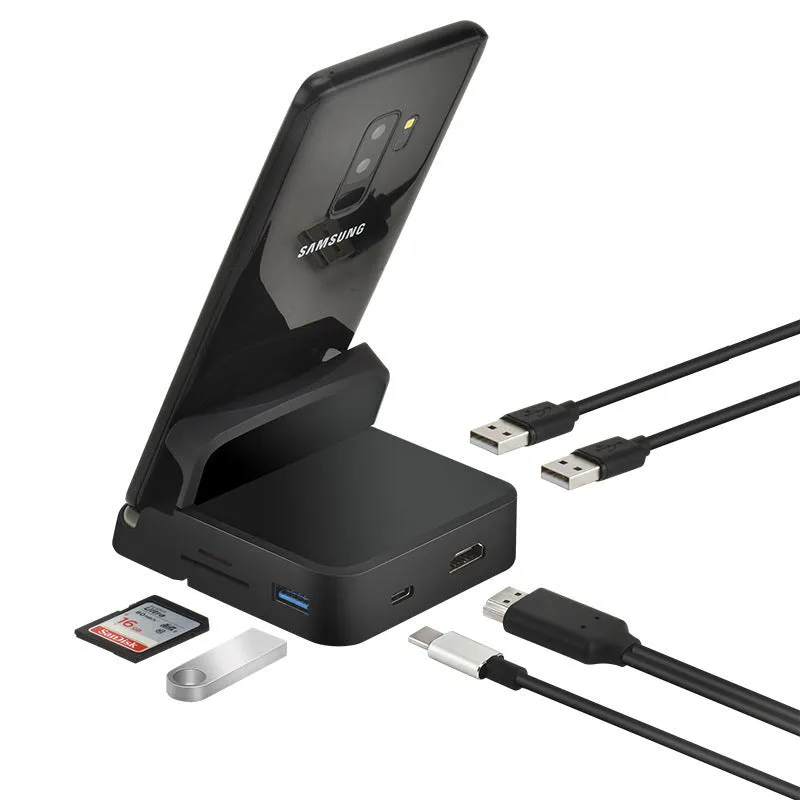
The construction and port layout are the main practical details for this dock. The source confirms a mixed ABS and aluminium alloy housing, a fixed set of ports, and an external power supply. These facts matter because they determine how the dock connects, what it can support and how it should be handled day to day. No additional performance figures are supplied, so the description stays with what is listed.
Material and Build
The housing uses ABS together with aluminium alloy, and the unit is supplied in Black. ABS is a common plastic material for this type of accessory, while aluminium alloy is used alongside it in the construction. Both are named in the product information, and the combination gives the dock a mixed-material build rather than a single-material shell. Custom processing is available, which means the product can be adapted to specific requirements. No coating, thickness or finish details are given in the source, so no further claims are made about the surface or feel of the housing.
Size and Practical Fit
The source does not provide dimensions or weight, so no size figures can be quoted for this dock. What is clear is the bracket format: the dock is shaped to hold or support a laptop as part of the setup, rather than sitting as a separate inline hub. That makes it relevant where desk space is limited and a single combined stand-and-connection point is preferred. The external power supply is part of the design, so the dock is intended to be used with that supply rather than as a passive connector only. Cable lengths are not stated and should not be assumed.
Uses and Placement
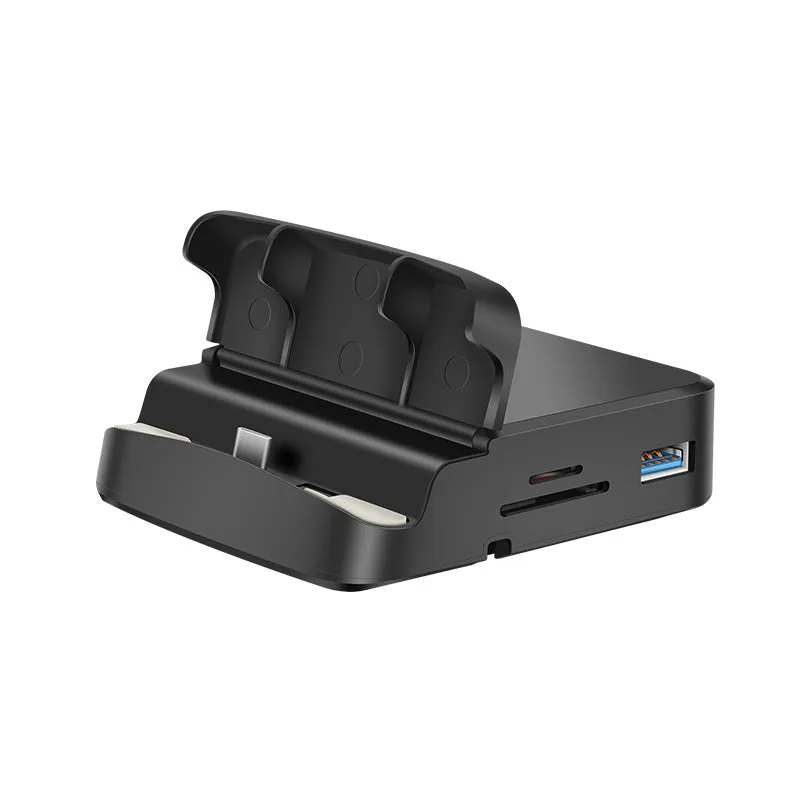
This dock is suited to connecting a laptop to an external display and several USB devices at once. The HDMI port, USB 3.0 port and two USB 2.0 ports cover common office and home requirements: a monitor, a mouse, a keyboard, a flash drive or a printer. The bracket form also makes it a candidate for a fixed desk position where the laptop is placed regularly. Compatibility is stated for Apple, Huawei and MacBook devices, and for iPhone models in the case of the non-Apple branded product.
Event or Professional Use
In a work or event setting, the dock can be used to link a compatible laptop to a projector, monitor or television through HDMI while keeping USB peripherals connected. The two USB 2.0 ports are suitable for lower-demand devices such as a keyboard or mouse, and the USB 3.0 port can be used for a flash drive or external drive. The external power supply supports the dock's operation during longer sessions. The SD and TF slots do not work at the same time, so those two should not be relied on together. No further compatibility beyond the stated brands is listed.
Everyday Home Use
At home, the bracket format can act as a fixed point for a laptop on a desk, with the HDMI port feeding a monitor or TV and the USB ports handling everyday accessories. The Black ABS and aluminium alloy housing is simple to wipe clean. Because the external power supply is part of the design, it should be kept connected as intended. The unit is supplied as one bracket expansion dock, so it is a single-dock solution rather than a multi-pack. Dimensions are not stated, so users should check the physical space on their desk before buying.
Benefits and Buying Value
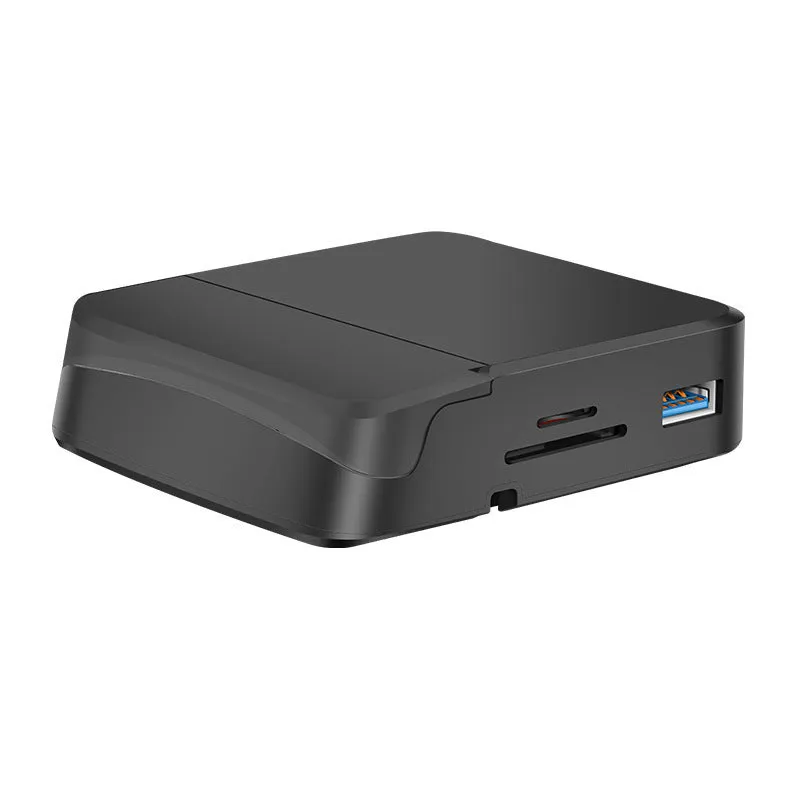
The practical value of this dock lies in port expansion and a tidier desk layout. One Type-C connection provides access to HDMI, USB 3.0 and USB 2.0, reducing the need to plug and unplug separate adapters. The bracket format combines support and connectivity in one unit, and the stated compatibility covers several common laptop brands. Custom processing is available for buyers who need it.
Reuse and Low Maintenance
The ABS and aluminium alloy housing can be cleaned with a dry or slightly damp cloth, which is a low-risk routine for this type of accessory. No special cleaners or maintenance schedules are stated in the source. The dock is reusable across compatible devices, so it can move between a home desk and a workplace setup without changing the connected peripherals. The external power supply is a fixed part of the design, so it should be kept with the dock. No lifespan or durability figures are provided, and none are claimed here.
Why Choose This Product
Choose this dock if the priority is a bracket-format Type-C expansion unit with HDMI, USB 3.0 and two USB 2.0 ports, plus an external power supply. It is listed as compatible with Apple, Huawei and MacBook devices, and the non-Apple branded product is compatible with iPhone models. The SD and TF slots do not work at the same time, so that limitation should be considered before purchase. Custom processing is available. The package contains one bracket expansion dock. No dimensions, power ratings or cable lengths are stated in the source text.